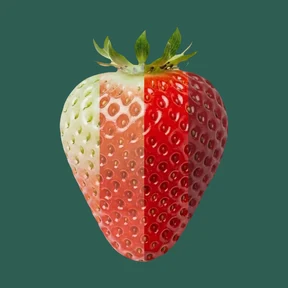
Fruits · Blackcurrant
How to pick a ripe Blackcurrant
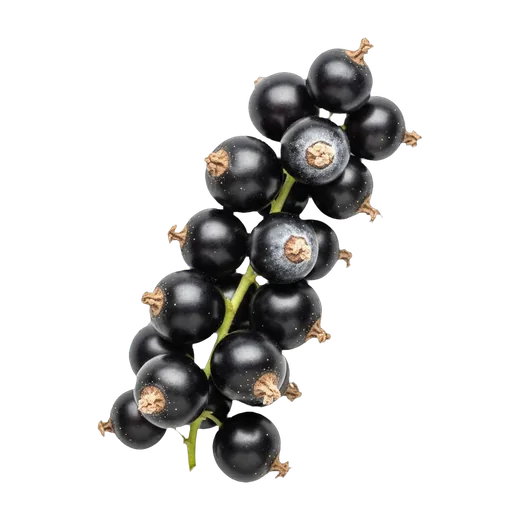
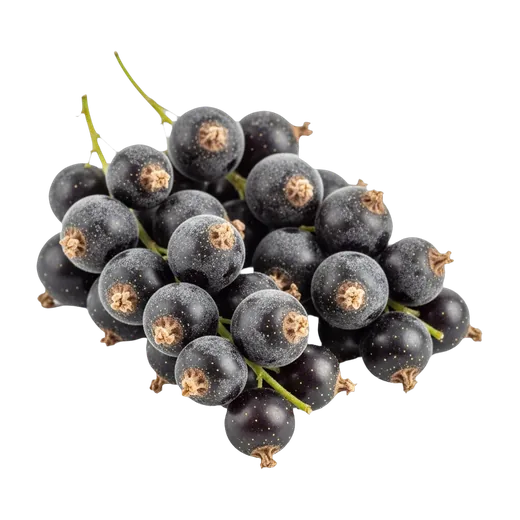
Deep black berries with a pale frosted bloom — even color across the whole strig means ripe and ready
How to pick
Look for a full strig of deep, opaque purple-black berries carrying a fine pale frosted bloom — that dusty surface coating, like the bloom on a plum, is a sign the berries have been gently handled and are fresh. Even, complete black color across the whole strig is the reliable ripeness signal because blackcurrants are non-climacteric: they do not ripen, sweeten, or darken after picking, so what you buy is the final eating quality. Berries should be round, plump, and firm, packed densely along a fresh, pliable stalk. Check the base of the container for reddish juice stains or wet patches that signal crushed, leaking fruit underneath. If the berries are loose, a sharp, musky-fruity aroma confirms ripeness.
Red flags
- Red, pink, or translucent berries scattered along the strig — picked underripe; non-climacteric fruit will not sweeten or blacken at home
- Reddish juice staining or wet patches at the base of the container — crushed, leaking berries below the top layer
- Fuzzy gray mold on any berry or where berries touch — Botrytis spreads fast through the whole container
- Dried, brown, brittle strig stalks — old harvest, berries already past peak
- Split or soft berries weeping juice — overripe and bruising
How to store
Refrigerate immediately, unwashed and left on the strig, in a vented container or breathable box at 32–40 °F (0–4 °C) in the coldest part of the fridge. Do not wash before storing — surface moisture invites gray mold. Best within about a week; eat soon after the first soft, dull, or shriveling berries appear. Rinse gently just before eating, then strip the berries from the strig.
In the app
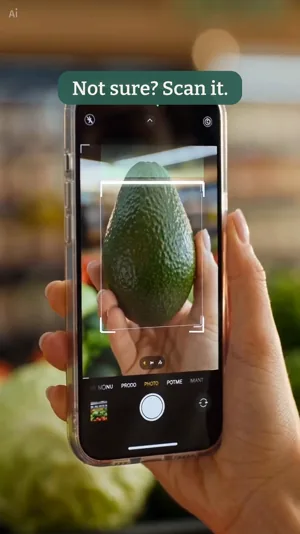
Scan
In the aisle, in seconds
Point the camera: pick or pass for that exact item, and the cue to trust next time.
Season where you live · Nutrients · Taste · Myths · Ayurveda


Free to install.
More to pick
Picking, storage, and freshness guidance is drawn from peer-reviewed postharvest research and agricultural extension sources. The sources are named in the app.