 Pick Right
FAQ
iOS & Android · out now
Pick Right
FAQ
iOS & Android · out now
Pick Right
FAQ
iOS & Android · out now
Pick Right
FAQ
iOS & Android · out now
Every fruit and vegetable, known inside and out — how to pick a good one, what the red flags are, how to keep it fresh, and how to get the most out of eating it.


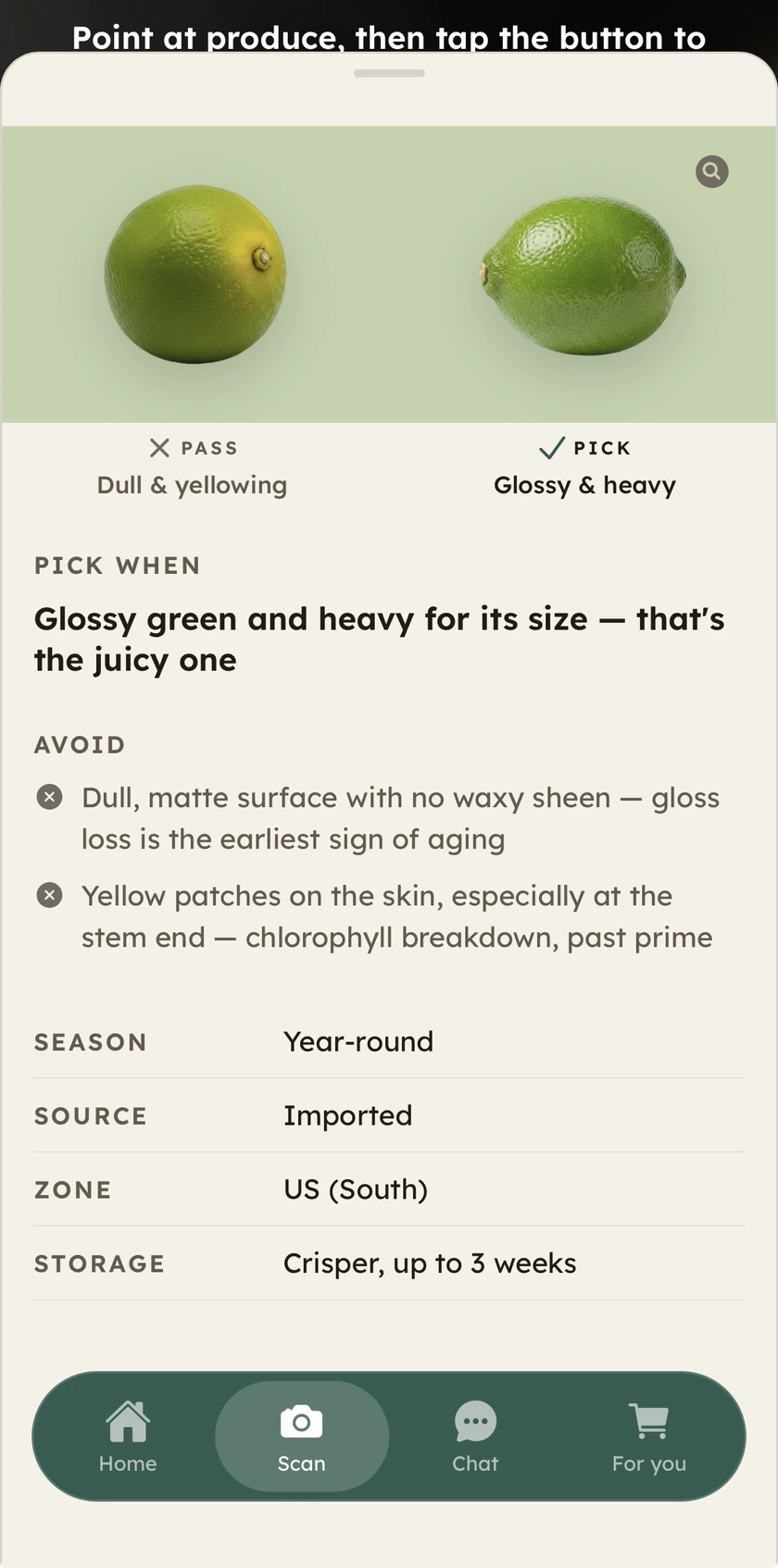
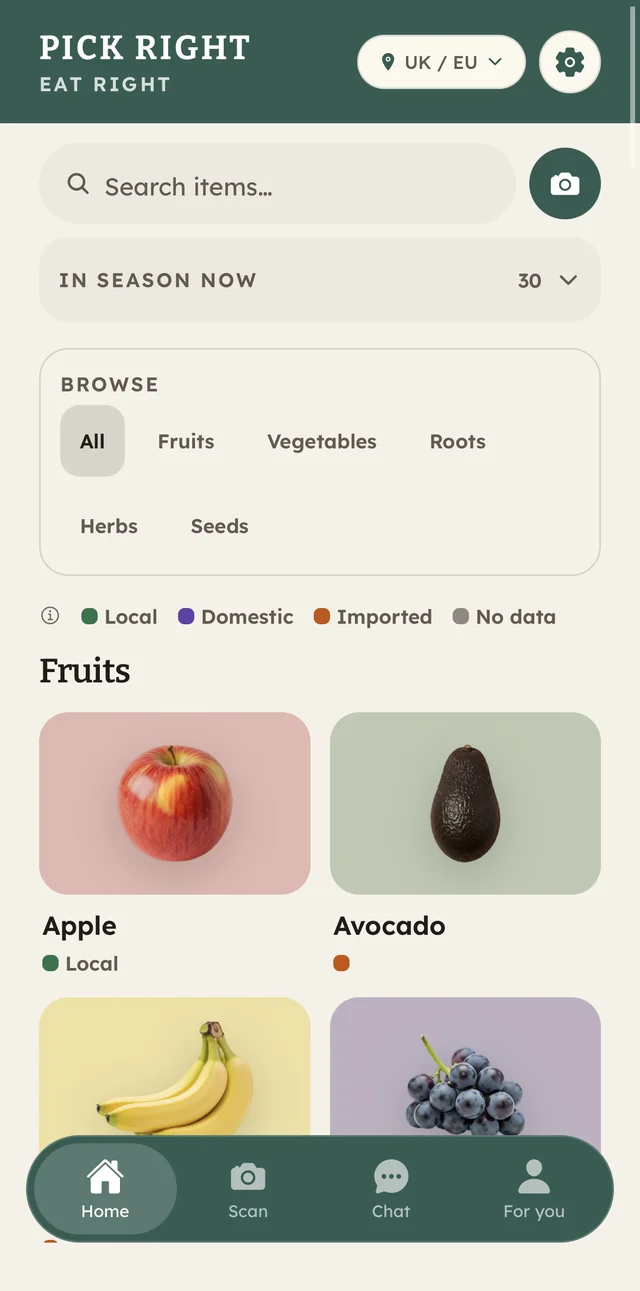
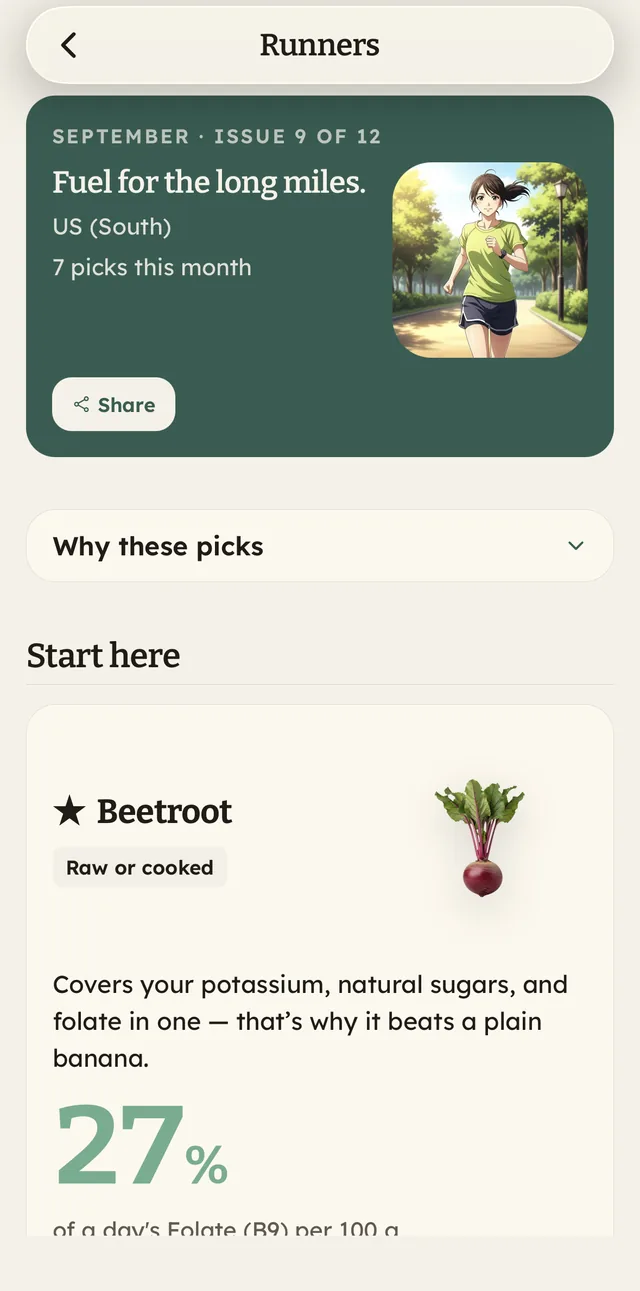
Open any fruit, vegetable, root, herb or seed and read it section by section. It starts in the aisle — how to pick a good one, the red flags — and follows the food home. A section appears only when there's something true to put in it.
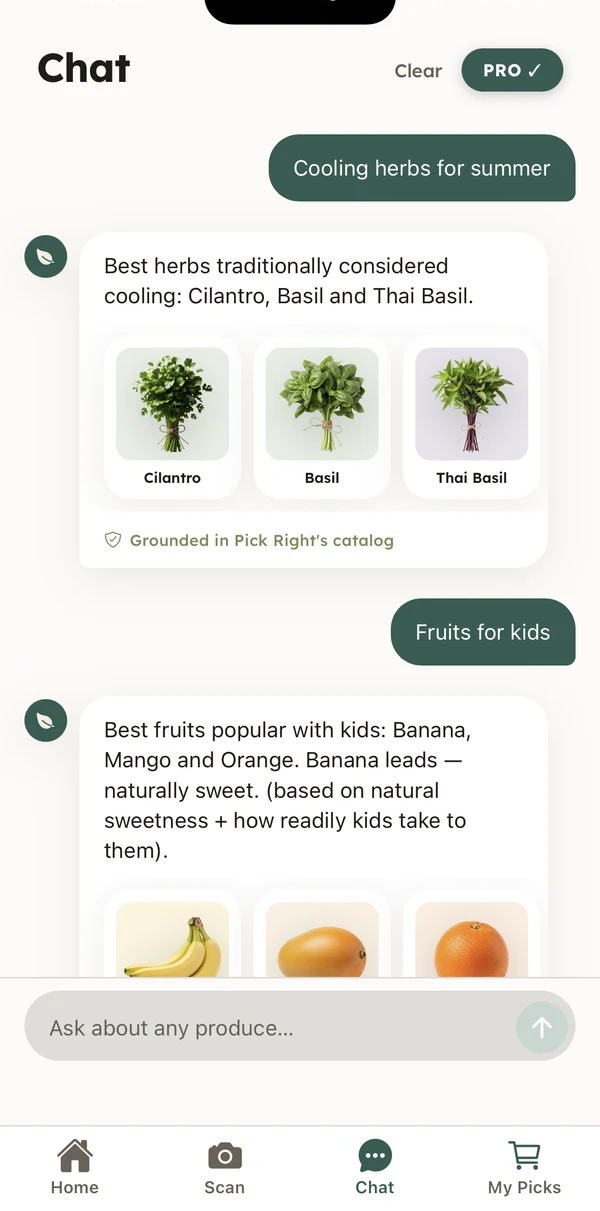
The solid sections are free on every item, and so is the Home screen's season row — no account needed. Pro is for going deeper: Scan, Chat and For you, with five scans and five answers to try first.
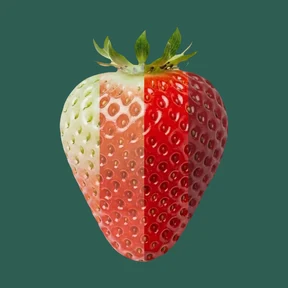
 Smell the base — sweet means ripe
Golden base ✓
Skip the all-green ones
Smell the base — sweet means ripe
Golden base ✓
Skip the all-green ones
Knowing what to buy, picking it well, and eating it right.
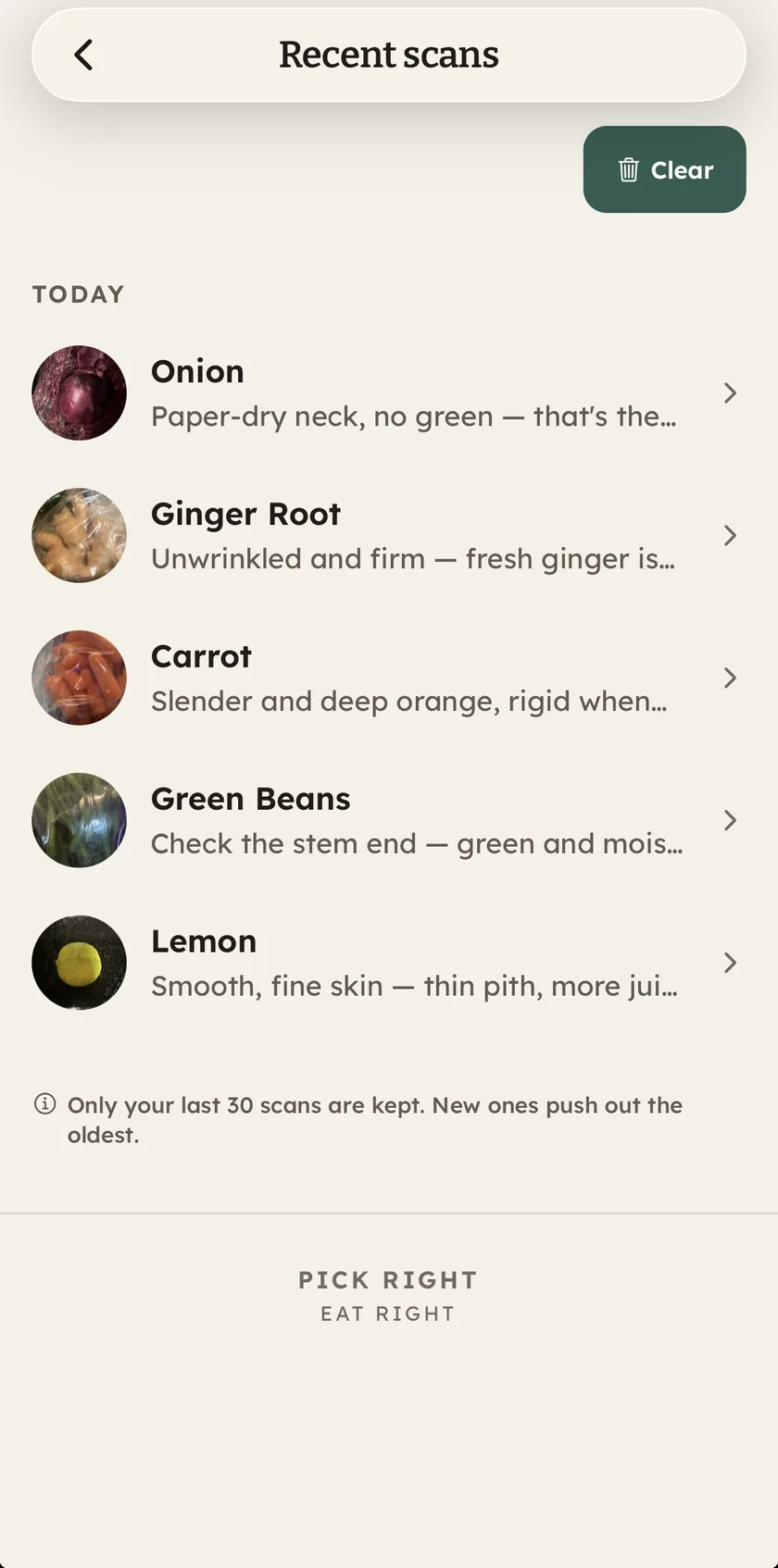
Point the camera: pick or pass for that exact item, and the cue to trust next time.
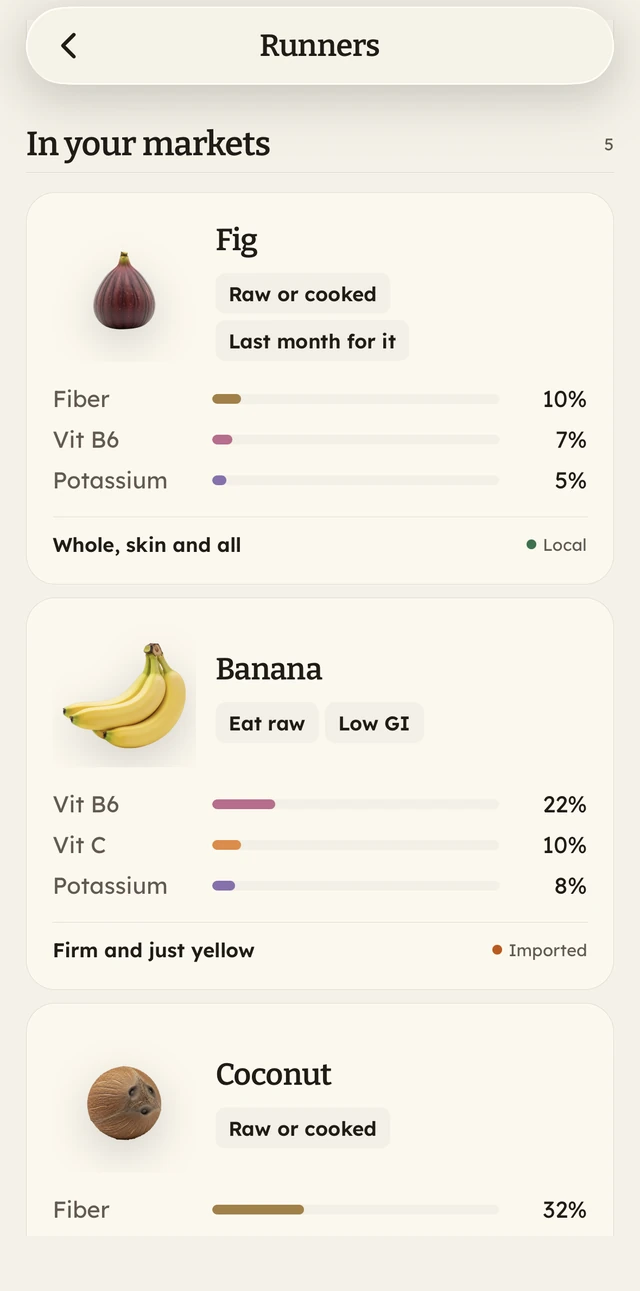
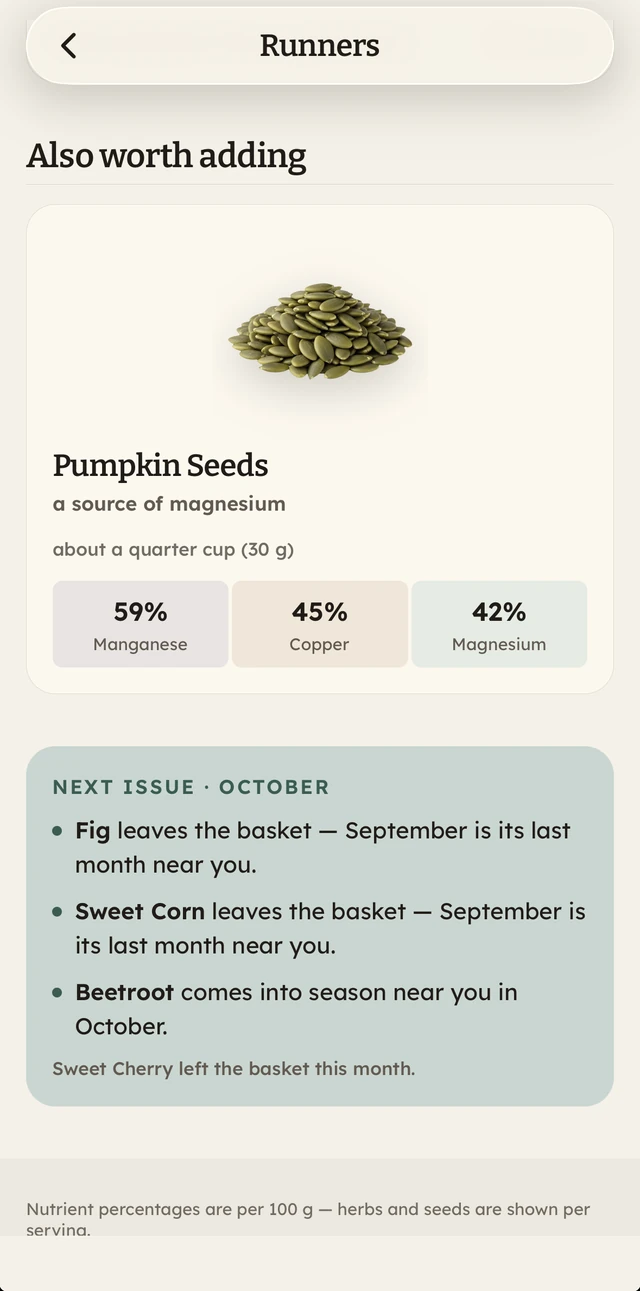
Pick a way of living — the gym, feeding kids, night shifts — and the app builds your basket. It changes with every month and every season, seeds included.
Home opens on what's in season where you live and crowns one of them today's pick. Zones cover the US, India, the UK & Europe, Australia & New Zealand, and Mexico.
Apples in the US (South): harvest July–November, at their peak in September.The other half happens at home: storage, nutrients, what to pair so more absorbs, taste notes, the myths measured against the science, and how Ayurveda has read each food for centuries.
Ask a produce question and the answer comes from the app's own cited catalog wherever it can. AI only fields what the catalog can't — so answers are honest, not invented.


The produce guide is. Every item opens with the verdict, how to pick it, the red flags, the varieties and storage — no account, no ads. You also get five scans and five AI answers per install, and those keep until you use them up — there is no clock on them. And once, whenever you choose, you can open the whole app for 48 hours: every section on every item and all of For you, without handing over a card. Pro opens all of that for good, and gives you scans and AI answers every day.
No. Open the app and start. We don't ask for an email, a login, or a profile.
No. You pick your shopping zone yourself. There is an optional "Use my location" row that reads an approximate location — on that tap, and again each time you open the app once you've allowed it — to keep your zone matched to where you shop. Never in the background, never stored, never shared; turning location off for Pick Right in your phone's settings stops it entirely. Skip the row and location is never requested at all.
Yes. Scan names the item in your photo and shows you its picking cues, so you can tell a ripe one yourself. It can name the wrong item in bad light, with several items in the frame, or with something we don't cover yet. If it does, tap a "Not this?" choice when one is offered, or scan again closer with a single item. Chat can be wrong too when it uses AI: those answers are marked "AI answer", and answers from our own guide are marked "Grounded in Pick Right's catalog".
Pro stays on until the end of the period you've paid for, and the free scans and answers don't come back after it ends. Deleting the app doesn't cancel it.
Pick better produce, starting this week.